
My Latest CMS Migration Examined!
The how, and why I migrated my newsletter to Substack.


Hello Riddlers!
“SEO Gets” it…. 🙂 SEO Gets is a powerful analytics platform that enhances your Google Search Console data by giving you up to 50× more rows of search data, longer historical storage, and a unified dashboard where you can monitor all your sites in one place. It makes SEO reporting and trend spotting easier with features like content groups, topic clusters, branded vs. non-branded performance, growing/decaying insights, cannibalization reports, and striking-distance keywords—all designed to help you find what to fix or improve faster without exporting data or wrestling with spreadsheets!
👉 Try SEO Gets here + use coupon sara10 to get a discount (affiliate link — I may earn a commission if you sign up)
So you may have heard, I migrated my websites from ghost.io to Substack and decided to tell you all about it. After all, it’s always interesting to see how SEOs actually migrate their own websites because as the Arabic saying goes “The carpenter’s door is (always) off its hinges” 🙂 Not this time!
Here’s what I did, but first Why?
Why I decided to move from Ghost to SubStack?
I was running my newsletter on ghost since ever since I launched back in 2022. But seriously, there was no point in paying for a service that I can get totally for free on substack. I was paying 55USD every month for what?
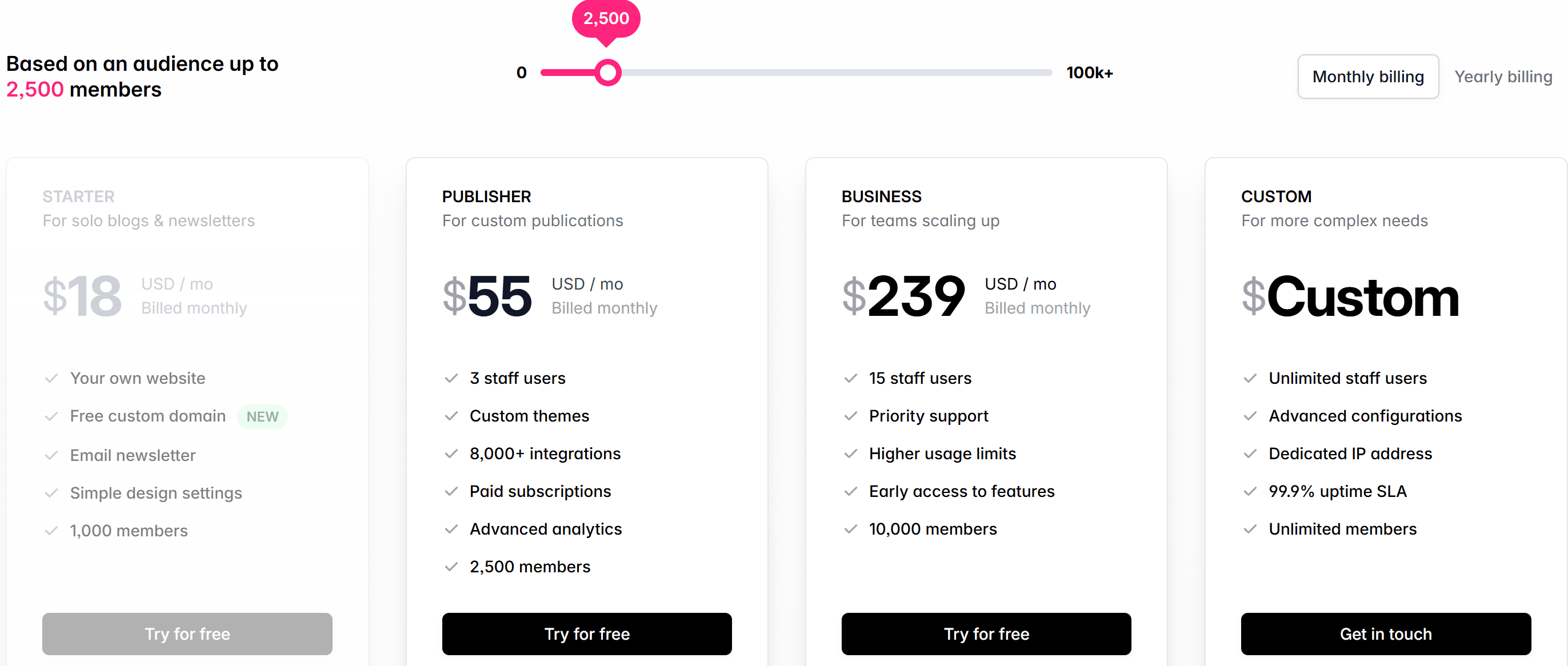
Of course this was not an easy decision because SubStack does have some limitations when it comes to SEO compared to ghost:
The platform is JavaScript heavy
If you ever offer paid subscriptions, substack will take a share
Less functionality like redirects for example which is a pretty big deal when you’re doing a migration, eh? (Canadian for don’t you think 😂)
Now let’s talk about the steps
1# Moving the subscribers
This was the easiest most straightforward task in this messy process. Exported the subscribers list from ghost and imported them to substack.
But I made a mistake, I think this should’ve been the LAST STEP, since I was intending to use both substack and ghost in parallel for a bit till I make some decisions. Because what happened is, my subscribers started getting double emails in their inboxes and complaints started to flood in, while others just hit that unsubscribe button… it was a mess… but hey we live and we learn!
2# Moving the content
Next came moving the actual content: the blogs, the navigation menu, and the About page.
Not glamorous work. At all.
Navigation menu — easy ✅
About page — easy ✅
Blogs? That’s where it got tedious.
I used Ghost’s export feature and imported the content into Substack. I also tried Substack’s “import from URL” option, but that only pulls the first 15 posts, which doesn’t help much when you’re sitting on ~100 articles.
And then there were the images.
For reasons I still don’t fully understand, images and screenshots didn’t carry over with the import. So yes, I manually copied and pasted every single one. Painful, time-consuming, and absolutely overkill… but sometimes that’s just what migrations demand if you want things done properly.
You do what you gotta do 🤷♀️
3# Domain name
Then came the zero hour, where I have to adjust my domain settings to point to point to substack. Easy, login in to your domain name provider, make the changes as per substack guidelines.
I must warn you though, that your website maybe unreachable/down for a few hours
4# The Redirects
Being not familiar with the substack CMS, I did not see this coming, but you cannot create redirects inside the substack CMS. The problem is:
on ghost, blog urls were: domain/blog-title
on substack they are: domain/p/blog-title
so redirects where not something I can skip, unless I want to start from scratch in search.
So:
I just created a spreadsheet and mapped URLs.
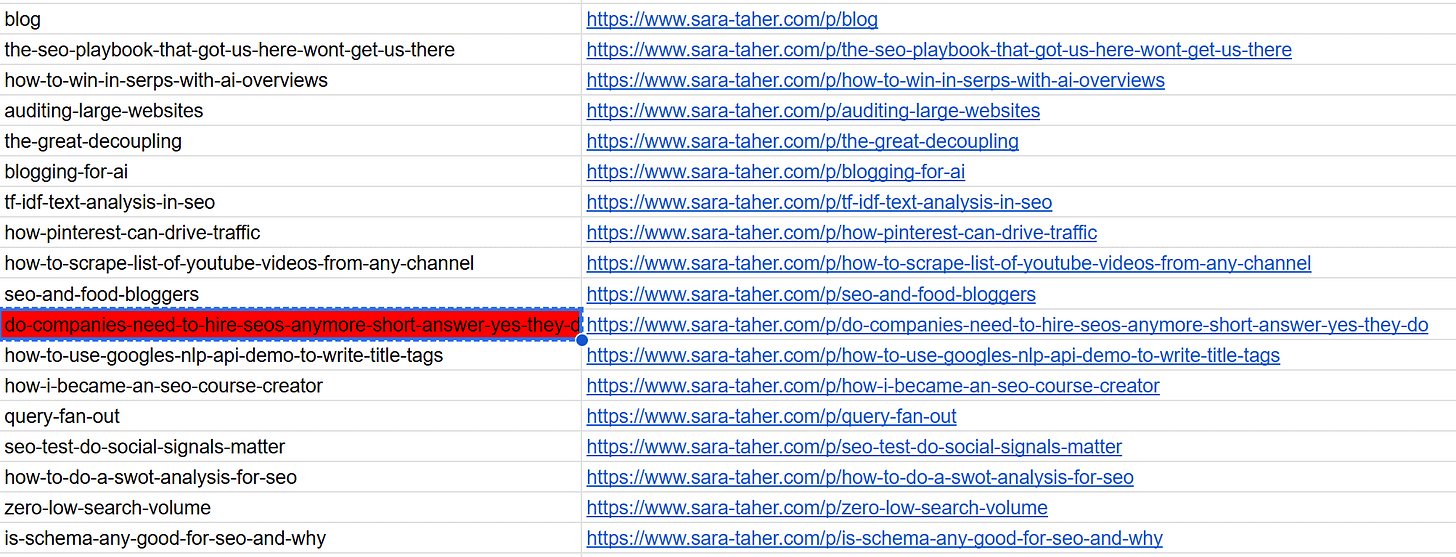
manually created a redirect to each and every page on my domain name provider:
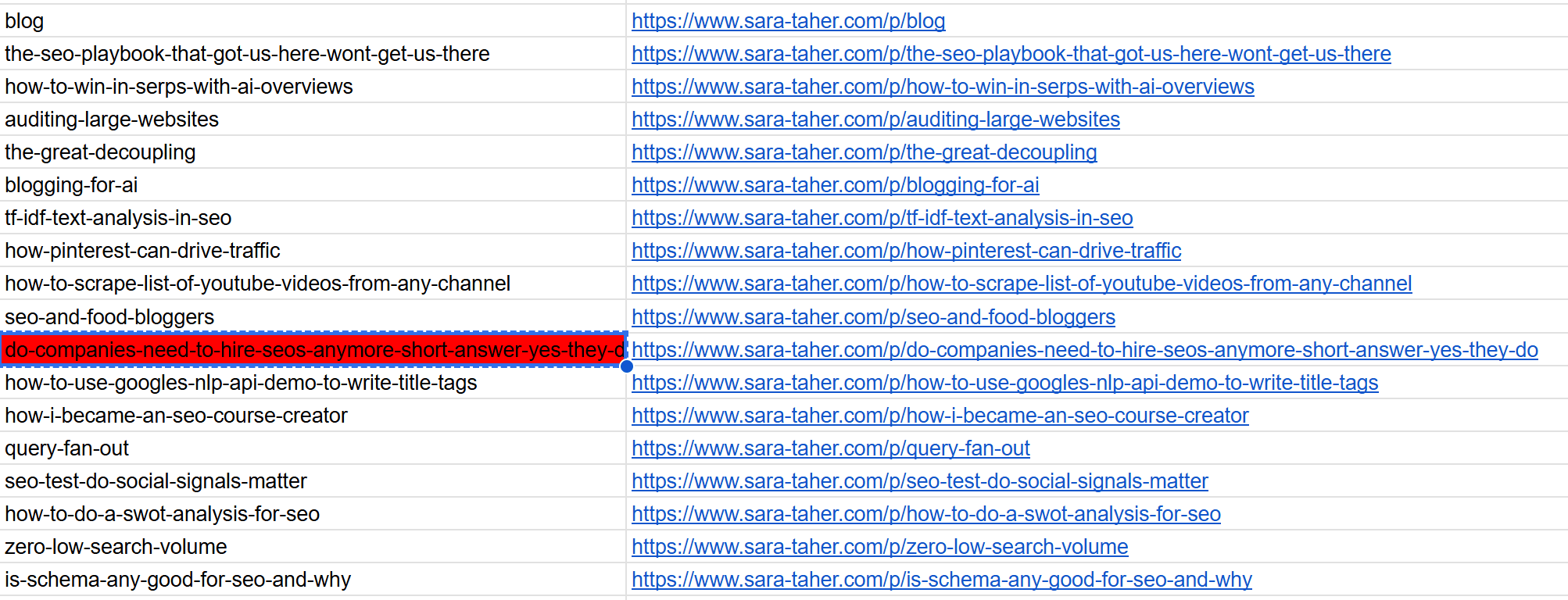
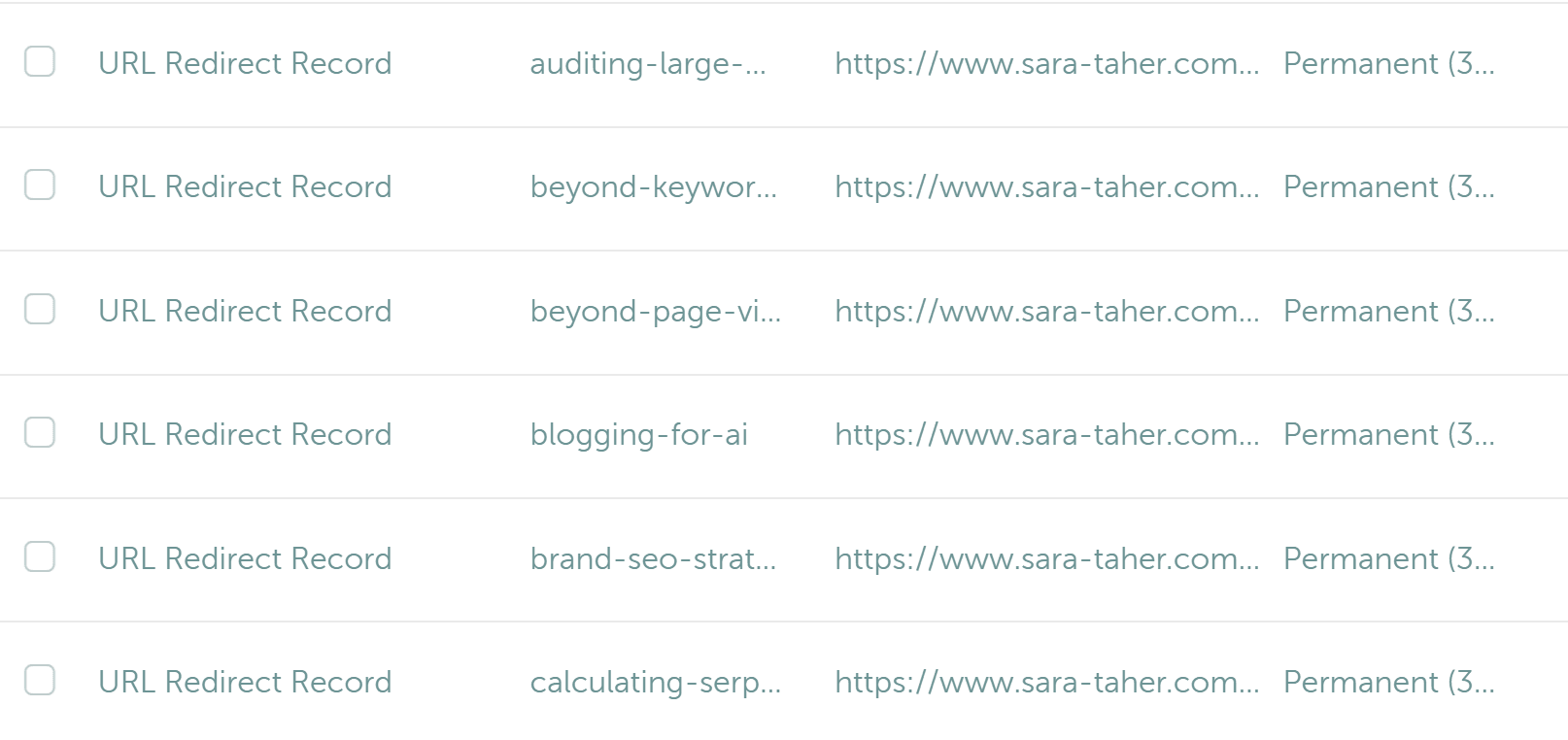
But things are not always smooth sailing, migrations always come with some complications. The domain name provide does not allow adding long URLs, So for some URLs like “/do-companies-need-to-hire-seos-anymore-short-answer-yes-they-do” I’m unable to create a redirect, and it is what it is.
5# GSC
Last but not least, GSC… I already had a verification via html tag but that’s on ghost, so I verified via Domain name provider. This interestingly helped me see no interruption in data collected!
And That’s a Wrap (Almost 😄)
Nothing fancy but a migration is never a simple task, you always need to plan ahead, and then plan how to respond to random things that may come your way.
My biggest mistake is accidentally double sending my newsletter, definitely didn’t make many subscribers happy.
That’s that for today folks and see you next newsletter!
Support the Riddler!
Sign up for my newsletter if you’re not already.
Share the newsletter and invite your friends to signup. Help me reach 2k signups by end of 2025 please 🙂
Provide feedback on how I can make this newsletter better!!!
If you’re an SEO tool or an SEO service provider, consider sponsoring my newsletter. I’m also open to other partnership ideas as well.
Disclaimer: LLMs were used to assist in wording and phrasing this blog.